

SnapShift
Back to Built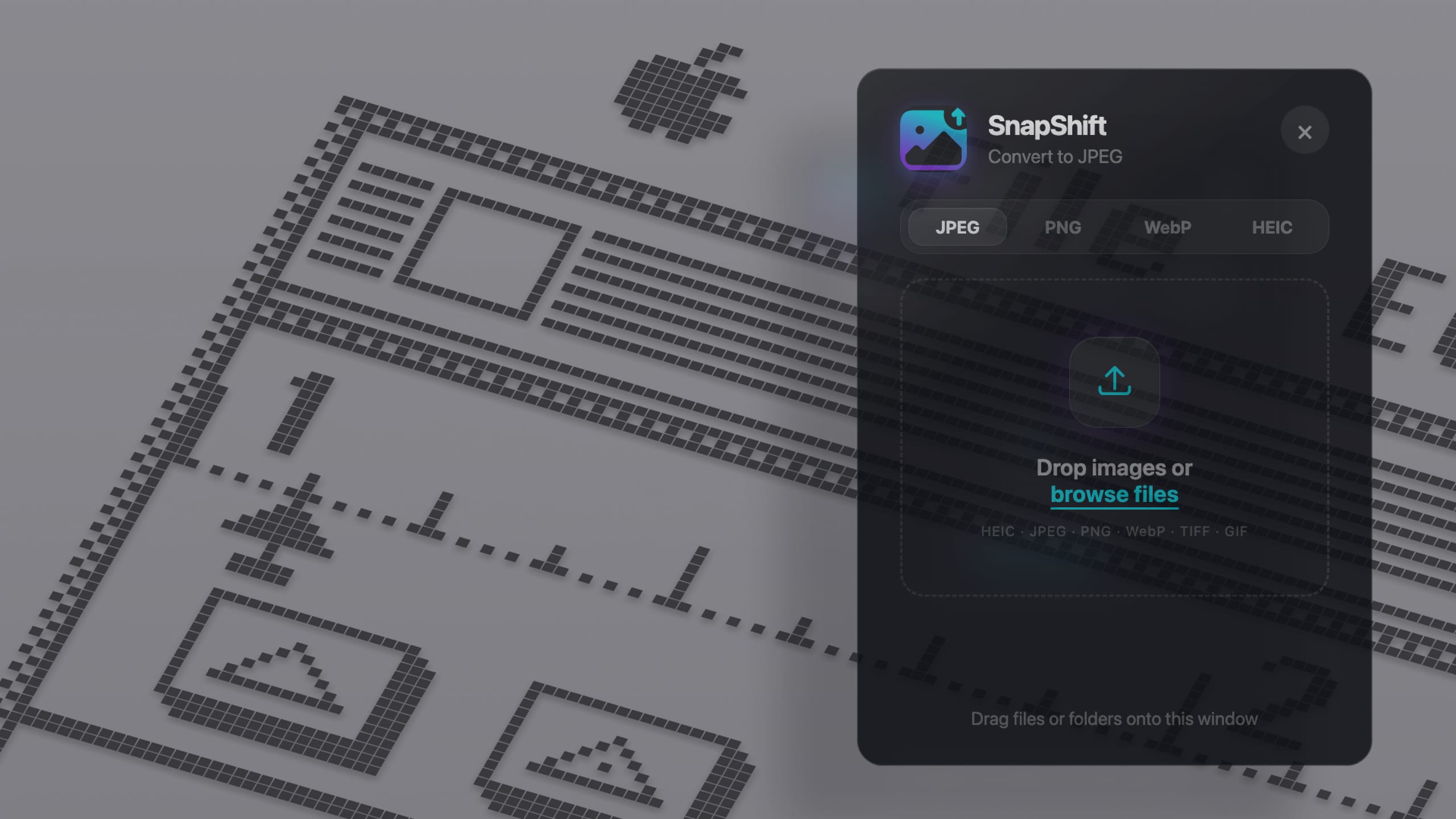
SnapShift is a menu bar and system tray app for batch image conversion. Drag files or whole folders, choose JPEG, PNG, WebP, or HEIC, and converted images land on your Desktop. Everything runs on your machine with no uploads and no telemetry.
Problem
Converting dozens of images or a nested folder one file at a time is slow. Most tools add steps you do not need when you just want everything in the same format.
Result
You get a fast local batch converter that stays out of the way until you need it. Apple Silicon and Intel Macs, Windows, and Linux are supported. Look for the icon near the clock after installing.
Approach
Click the SnapShift icon in your menu bar or system tray. Drag images or folders (nested folders work too), pick an output format, and run the batch. SnapShift converts in parallel, skips files already in that format, and saves results in a Desktop folder like "Converted to JPEG". After the first install, the app checks for updates on its own.
Takeaway
The best utility disappears until you need it, then finishes the batch without fuss.